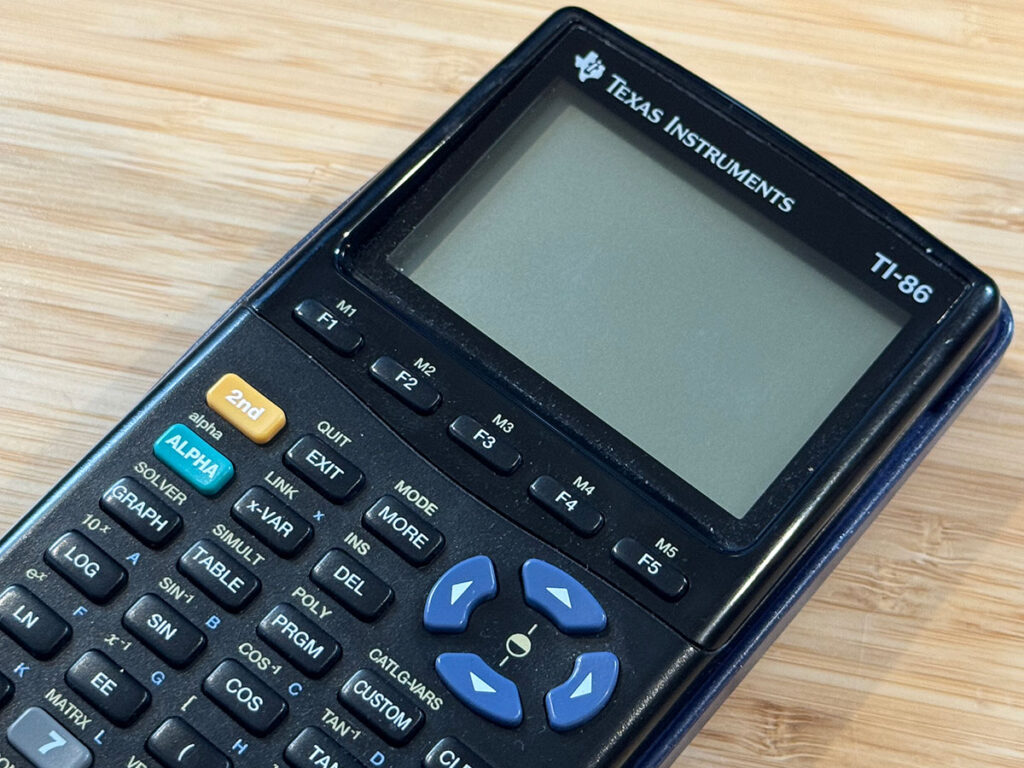
This is a Texas Instruments TI-86 calculator. More to the point, this is MY Texas Instruments TI-86 calculator. Released in 1996, it was the pinnacle of TI graphing calculators when I bought it.
I have owned a lot of graphing calculators over the years. I somehow talked my dad into getting me a TI-81 in middle school. I spent hours programming in TI-BASIC, even porting code from a library book to create a Sierpiński triangle on the 96×64 screen. It was a joy. From there, I bought myself a TI-85 in high school. I got the TI-86 my freshman year in college. Later on as an undergrad, I spent some time with a TI-92 and TI-89 just for kicks.
The TI-86 was always my favorite. So it has been for the last twenty-ish years: a TI-86 for daily use and a TI-89 for the memories.
Until a few weeks ago.
I hit the “On” button on the TI-86 and was greeted with random noise on the screen. I changed the batteries. Nothing. I replaced the lithium backup cell. Nothing. I performed every kind of reset I could think of. Nothing. To the best of my knowledge, it appears that a RAM chip failed.
Damn.
So, I had a TI-86 with a good screen and a bad main board. Not content to let a multi-decade companion walk into the sunset, I went on eBay and bought another TI-86 with a bad screen and a good main board. A few hours of Frankenstein soldering later, and my original college calculator was working again. I even threw on a colorful set of keys from a TI-83.
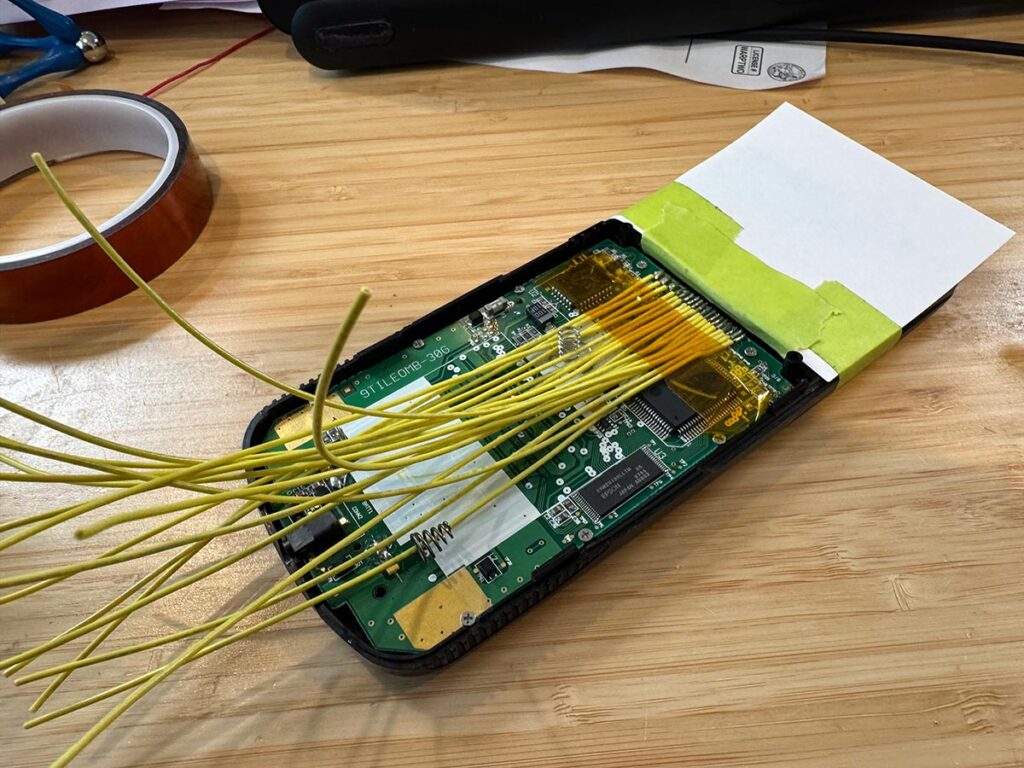
But… why stop there?
My one complaint about the TI-86 has been the screen. While it was a substantial upgrade over the TI-85, without a backlight it was always hard to read. Let’s fix that. Over the next few posts we will explore the TI-86 display protocol and give it the OLED upgrade that it always deserved.
Wouldn’t want to let a good friend down.